JPG to PDF
Turn your photos into one PDF: put them in order, pick the page size and download. Nothing is uploaded.
Drop photos of your documents
JPG, PNG or WebP · as many pages as you like
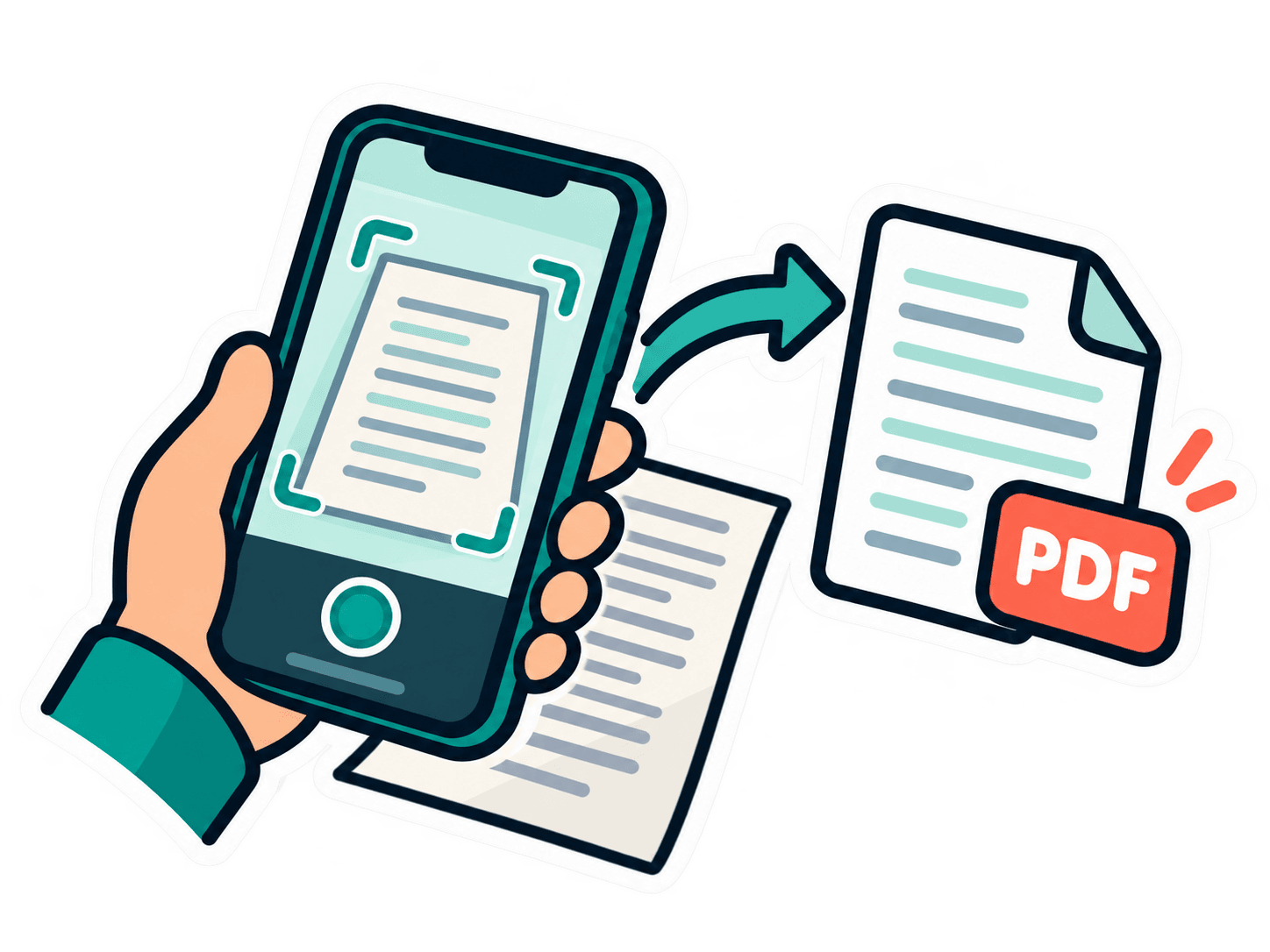
Paper documents? Scan them with your phone
Point your phone’s camera at this code to open this page there.
- 1Snap or pick pages
- 2Arrange them
- 3Get one PDF
Your documents stay on your device
Photos to one PDF, without uploading them
Most JPG to PDF sites upload your photos to their servers to make the PDF. Here the PDF is made in your browser: your certificates, ID cards and marksheets never leave your device. Add as many images as you like, put them in order and download one PDF.
Many images, one PDF
Each JPG, PNG or WebP image becomes a page. Drag the pages into the order you want.
Under 500 KB or 1 MB
Application forms often limit the PDF size. Choose a limit and the PDF fits it, in the best quality that fits.
A4, Letter or photo size
Images are centred on A4 or US Letter pages, or each page takes the exact shape of its image.
Fix photos of documents
Turn pages the right way up, straighten a tilted page by its 4 corners and make the paper white with the Scan look.
No watermark, no sign-up
Free with no account, no daily limit and nothing added to your pages.
Private by design
The PDF is made on your device. Your images are never uploaded.
How to use
Choose your JPG, PNG or WebP images (or tap “Scan pages” to take photos).
Drag the pages into order; tap a page to turn or straighten it.
Pick the page size and, if needed, a size limit like “Under 500 KB”, then click “Download PDF”.